
Use these vinyl sleeve templates and label templates to prepare artwork for the exact packaging you have ordered.
Use the template for the exact product you ordered. Sleeve type, spine width, pockets, folds and label holes are part of the production specification.
Print-ready delivery specifications
File format, size and resolution
- Format: print-ready PDF, exported at high quality. Supply each component clearly identified: outer jacket, inner sleeve, labels and inserts.
- Size: 1:1 scale, matching the selected Hanaton template and actual trim size. Do not resize a different sleeve template to fit.
- Resolution: raster images at least 300 dpi at final printed size. Enlarging a small image does not recover detail.
Colour space, bleed and guides
- Colour: CMYK. Convert unintended spot colours to CMYK; retain a spot colour only when it is an agreed production separation.
- Bleed: follow the bleed line on the specific product template. As a general starting point allow 3 mm bleed on every edge; the dimensions of a product-specific template take precedence.
- Marks and guides: crop marks outside the artwork; do not leave construction lines in the printable artwork. Keep important text away from trim, folds and holes according to the template.
Fonts, layers and file names
- Fonts: embed every font in the PDF or convert lettering to outlines. Check special characters after export.
- Layers: flatten Photoshop-style layered and effect-heavy files for print delivery, checking transparency and overlapping objects after export.
- File names and orientation: use unaccented filenames. Export pages upright, without unintended rotation; identify A/B and any additional record labels.
Black and overprint
- Black text: use single-channel K black, not four-colour rich black. The production workflow uses black overprint; flag exceptions in advance.
- White and light objects: set them to knockout, not overprint. A white overprinting object may disappear from the printed result.
- Large solid black areas: the Hanaton recommendation is C20 M20 Y20 K100; confirm it for the selected stock and print process before export.
Gradients and final checks
- Gradients: avoid very pale transitions below roughly 10% tint; supply rasterized gradients at 300 dpi at final size and check for banding.
- Final check: inspect the exported PDF with overprint preview and colour separations enabled. Check text, page order, label sides, trim and bleed.
Open files and special finishes
AI, PSD and Corel source files are not the standard delivery format. Operator work may be charged separately; include all linked images and fonts when source-file processing is agreed. Discuss foil, embossing, spot varnish, die cutting and special stock before preparing separations.
Templates
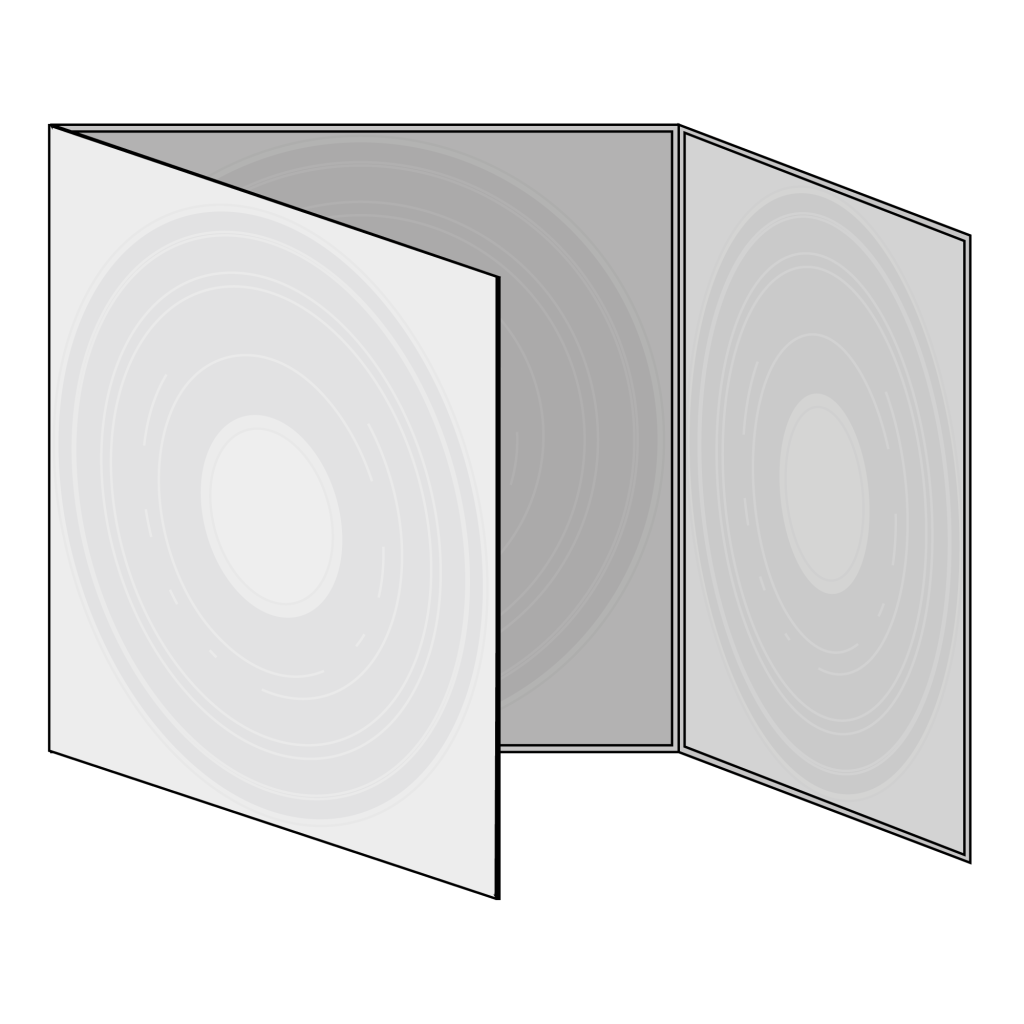
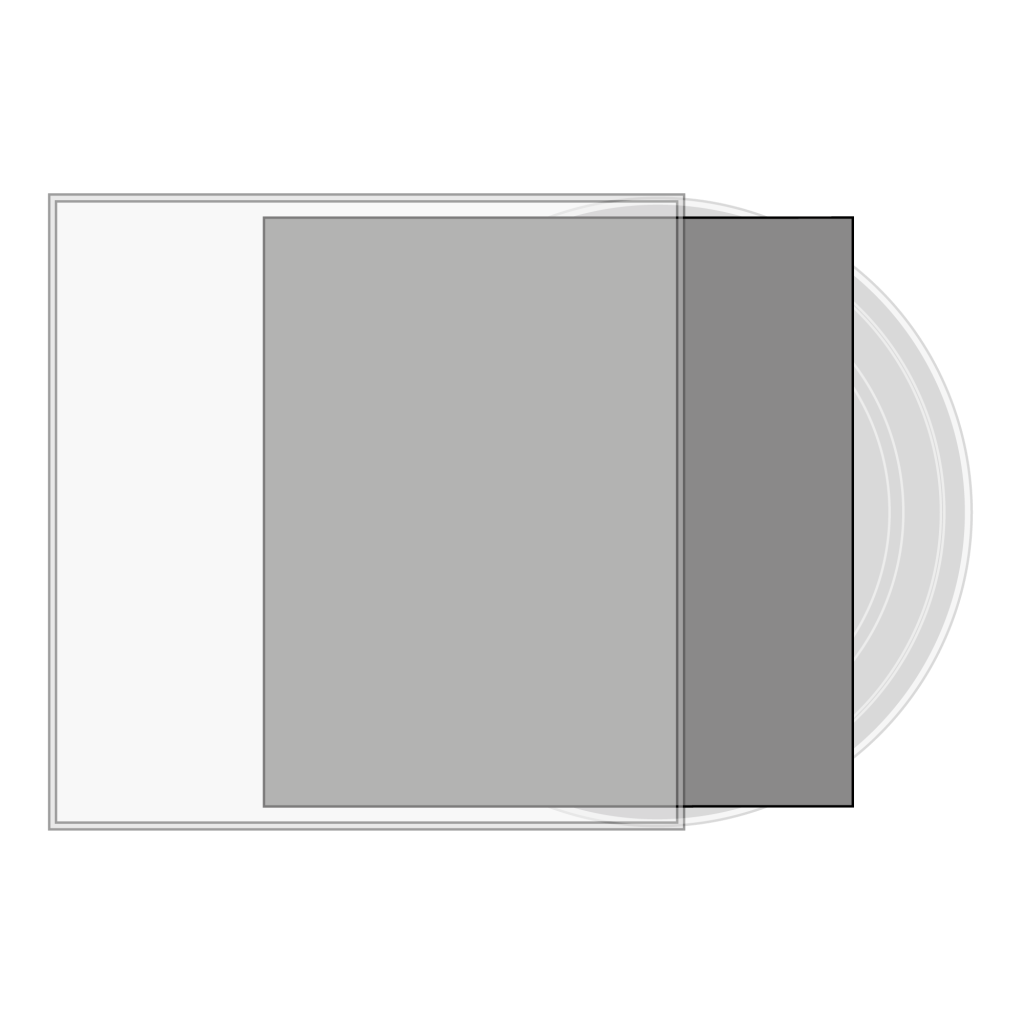
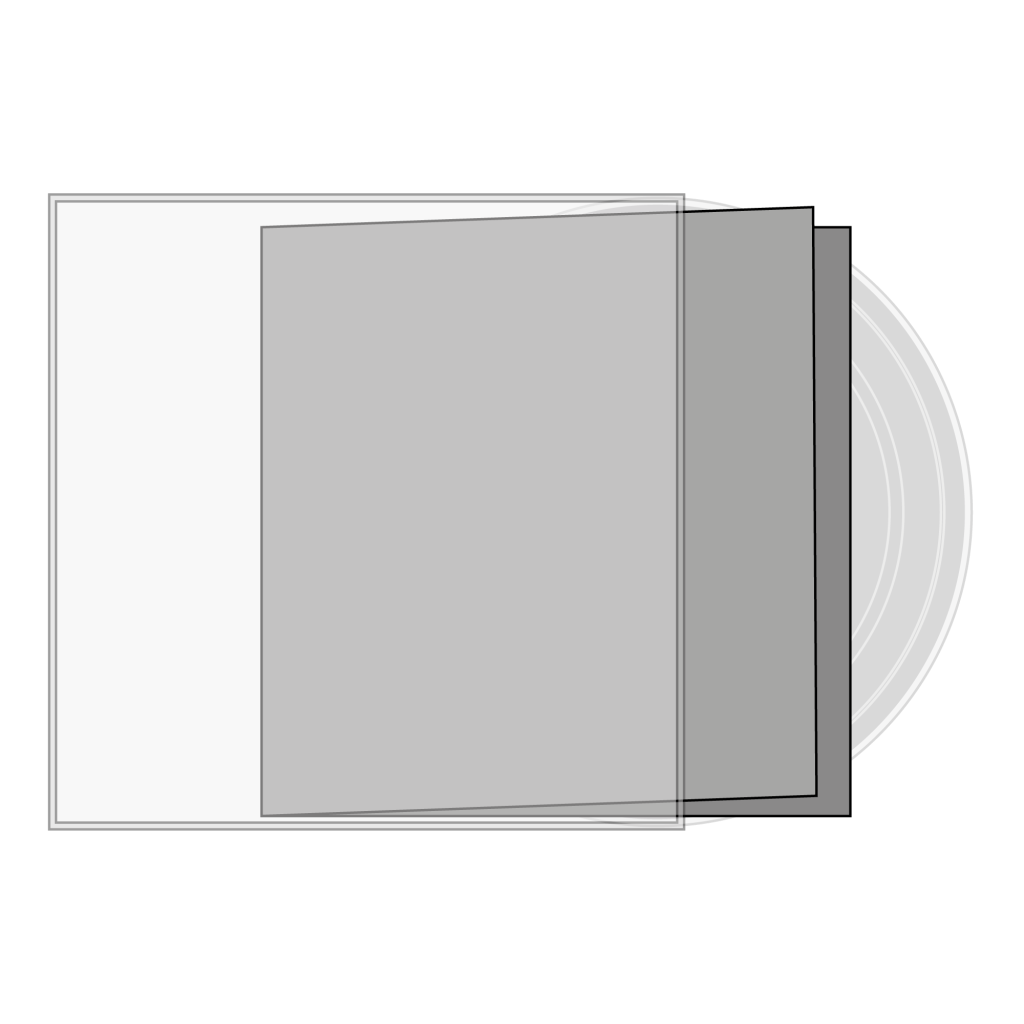
Choose the matching template: 3 mm single jacket, 5 mm double jacket, gatefold, trifold, inner sleeve with or without a hole, record labels, inserts or booklet. Label artwork is required for every record side.






CD templates
CD Jewel Box · PDF ↓ · CD label · PDF ↓
The mockup is a visual preview; production always uses the approved print-ready PDF.