
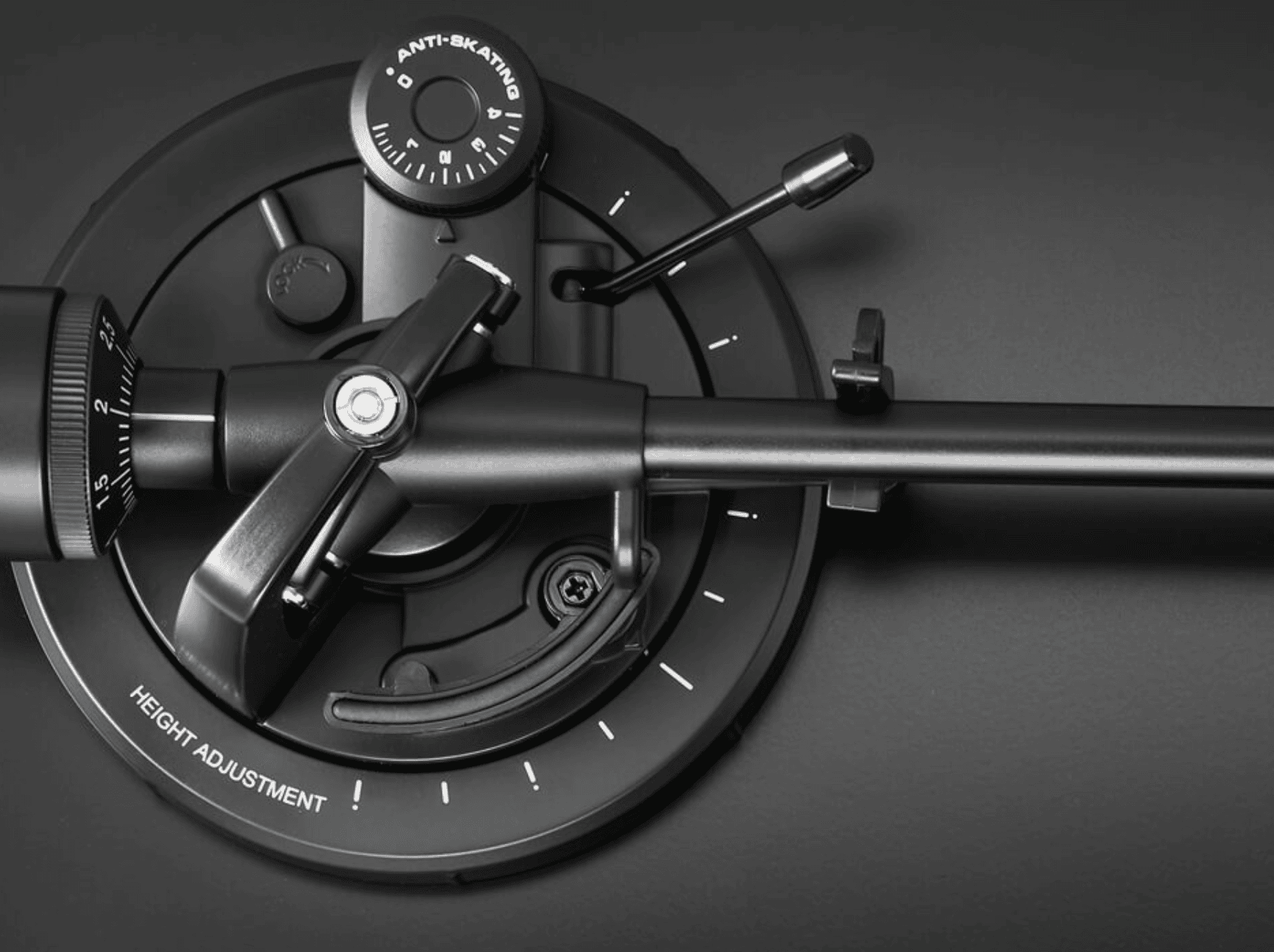
You have unpacked your new turntable, perhaps an Audio-Technica AT-LP5X, and reached the part of the instructions about balancing the tonearm. The counterweight can seem daunting at first, but the procedure becomes straightforward once you understand what each adjustment does. Here is a practical step-by-step guide.
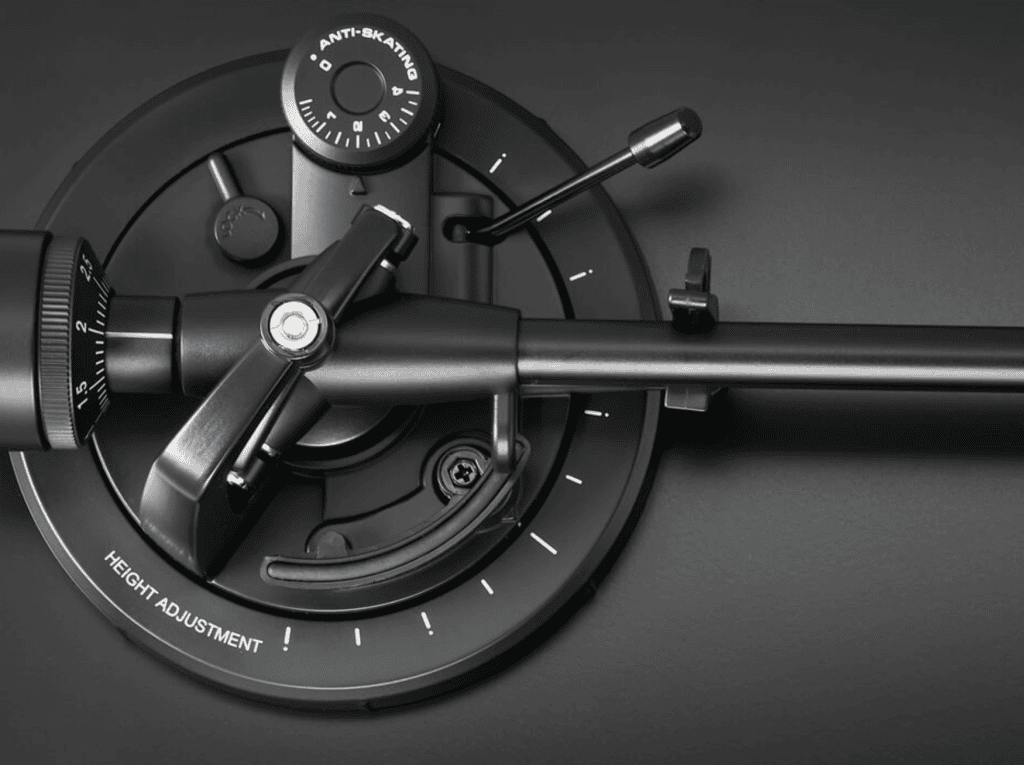
Why tracking force matters
Tracking force is the downward force that keeps the stylus in contact with the groove. Too much can increase wear and affect the sound. Too little is not a safer choice: a mistracking stylus can lose stable contact, distort and potentially damage the groove. Aim for the cartridge manufacturer's recommended setting, not the lightest possible number.
1. Prepare and balance the arm
Switch off and unplug the turntable. Put it on a stable, level surface. Set anti-skating to zero if this is the balancing procedure specified for your model. Remove the stylus guard carefully when the instructions require it for balancing, without touching the stylus or cantilever.
Release the arm from its rest while keeping a hand nearby so it cannot drop onto the platter. Rotate the counterweight until the arm floats approximately level. It should neither fall towards the record nor rise sharply. Move slowly and keep the stylus clear of all surfaces.
2. Zero the scale
Return the arm safely to its rest. Hold the counterweight still and rotate only the numbered scale ring until zero lines up with the reference mark. This calibrates the scale to the balanced position; turning the whole counterweight at this stage would undo the balance.
3. Apply the specified tracking force
Now rotate the counterweight and numbered ring together to the recommended value. For example, 2.0 grams is the recommended setting for an AT-VM95E. Check the exact specification of your cartridge: another model may require a different value.
A stylus-force gauge provides an independent check. Use it according to its instructions at an appropriate height, and make small adjustments if necessary. Do not confuse a counterweight marking with a precision measurement.
4. Adjust anti-skating
The tonearm experiences an inward skating force during playback. Anti-skating applies compensation to help keep the stylus loading balanced between the groove walls. Follow your turntable's manual: on many dial-based systems a value matching the tracking-force number is a starting point, but it is not a universal calibration rule.
Final checks and everyday care
Check that the cartridge is aligned, the turntable is level and the stylus tracks cleanly. If you hear unusual distortion or experience skipping, stop and inspect the setup and the record rather than continuing to play it.
Good adjustment works best with clean records. Use an appropriate record brush and clean inner sleeves, and keep dust off the stylus using the manufacturer's recommended method. Tracking force is one part of a complete, careful setup.